
How to Choose the Best WordPress Developer for Your Business Website
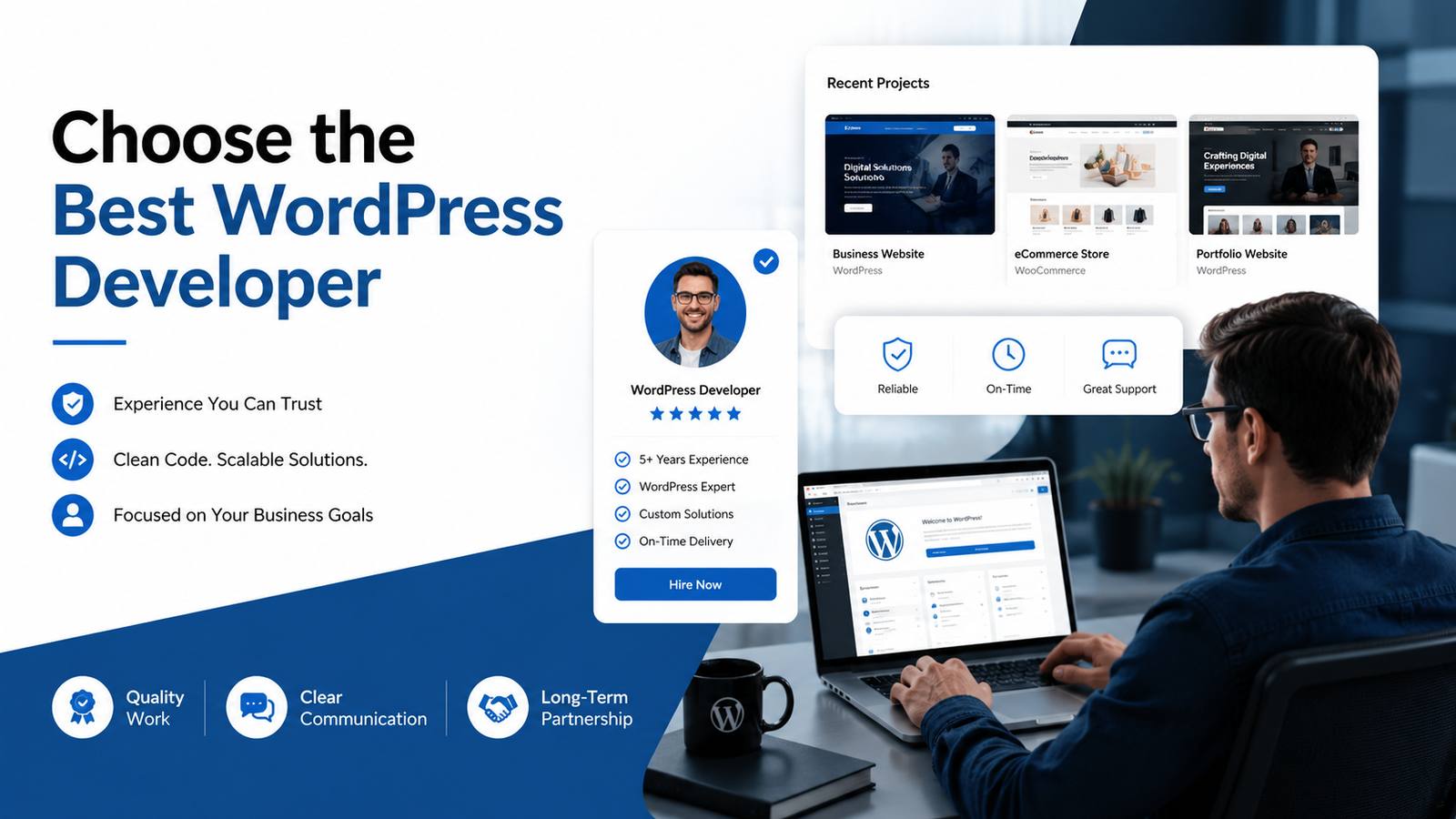
Choosing the right website direction is easier when the advice is practical, honest and connected to real business goals. This guide explains choose WordPress developer for business in a way that helps you make a confident decision without relying on vague promises.
Start With Your Business Goals
Before you choose WordPress developer for business projects, define what the website must achieve. A service business may need inquiries, while an ecommerce store needs product sales and a smooth checkout.
Define Your Website Requirements
List required pages, features, integrations, content, forms, ecommerce needs and launch timeline before comparing developers.
Review Relevant Portfolio Projects
Look for work related to your business type. A portfolio should show clarity, responsive design and practical page flow.
Look Beyond Visual Design
A beautiful website is not enough. Check usability, speed, maintainability, mobile experience and whether the content is easy to update.
Check WordPress and Elementor Expertise
If your site will use Elementor, the developer should understand clean widget usage, responsive controls and reusable sections.
Evaluate Ecommerce Experience if Needed
For online stores, ask about WooCommerce products, checkout, payment, shipping and order workflows.
Ask About Website Performance
Performance should be discussed before launch, not only after the site becomes slow.
Understand the Development Process
A clear process should cover discovery, content, design direction, development, revision, testing and handover.
Evaluate Communication
Good communication is a business asset. Requirements, delays and decisions should be documented clearly.
Understand Revisions and Project Scope
Scope protects both sides. Know what is included and what will cost extra.
Ask About Post-Launch Support
Discuss updates, backups, plugin support and future changes before the project starts.
Freelancer vs Agency
A freelancer can be efficient for focused business websites. Agencies may fit larger projects with several specialist roles.
Red Flags to Watch For
Avoid unclear pricing, no portfolio, unrealistic promises, no mobile process and no written scope.
Developer Evaluation Checklist
- Relevant portfolio.
- Clear scope.
- Responsive design process.
- Performance awareness.
- WordPress editing handover.
- Professional communication.
- Support expectations.
Frequently Asked Questions
How do I choose a WordPress developer for my business?
Start with goals, define requirements, review relevant work, discuss process and confirm support.
Should I choose the cheapest developer?
Not automatically. Compare scope, quality, communication and long-term maintainability.
What should be in a website scope?
Pages, features, content responsibilities, revisions, timeline, tools, support and deliverables.
How important is portfolio review?
Very important. It helps you understand style, experience and whether the developer can handle your type of website.
Should I ask about SEO?
Yes, at least basic SEO structure, headings, metadata, speed and internal linking should be discussed.
Looking for a Business-Focused WordPress Developer?
You can review my portfolio and send your website requirements when you are ready to discuss the next step.
Business Decision Framework for Hiring
When you choose WordPress developer for business projects, think like a business owner first. The developer should understand what the website needs to achieve, how visitors will move through the pages and how the site will be managed later.
A business website often needs more than a good-looking homepage. It may need service pages, trust-building content, contact forms, landing pages, blog content and future expansion.
This is why Post 08 is different from a local “best developer” search. The focus here is business fit: requirements, process, maintainability, communication and measurable usefulness.
What to Share With a Developer
- Business overview and target audience.
- Main website goal.
- Required pages and features.
- Reference websites you like and dislike.
- Brand assets, content and images.
- Timeline and budget expectations.
- Who will update the website after launch.
How to Compare Proposals
Do not compare only the final price. Compare the scope, number of pages, revision process, mobile testing, content responsibilities, plugins, support and handover. A proposal with more clarity may save time later.
If a proposal does not mention responsiveness, performance or content editing, ask before approving it. These are not small details for a business website.
Practical Notes Before You Start
A good website decision should be based on audience, business model, content quality, technical requirements and the way the site will be managed after launch. The design is important, but the structure behind that design is what makes the website useful over time.
For most businesses, the best approach is to start with a clear version-one scope. Build the pages and features that support real customer action first, then improve the website as the business learns from visitor behavior and customer feedback.
Mobile experience deserves special attention. Many visitors will not patiently zoom, pinch or search through crowded layouts. Buttons, forms, menus, product cards, text size and page speed should all be reviewed on real mobile widths before launch.
Content is another common bottleneck. A developer can create the structure, but the business still needs clear service descriptions, product details, policies, images and trust-building information. Preparing these early reduces delays and improves the final result.
What to Prepare Before Contacting a Developer
- A short summary of your business and audience.
- The main goal of the website or page.
- Required pages, features and forms.
- Existing website URL if there is one.
- Brand assets, images and content drafts.
- Reference websites and design preferences.
- Timeline, budget range and support expectations.
How to Review the Finished Work
When the work is ready for review, check more than the homepage. Test navigation, mobile layout, forms, important buttons, page speed, image loading and whether the content can be edited easily.
Ask for a short handover explanation if you will manage the site yourself. Knowing how to update text, images, products or blog posts can save time after launch.
Detailed Planning Guide for This Topic
A strong decision about choose wordpress developer for business should begin with discovery. Discovery means understanding the business model, target audience, key services or products, visitor objections, required actions and the type of trust signals the website needs.
The next step is page planning. Even a small website benefits from a clear structure: homepage, about, service or product pages, contact page, policy pages where needed and blog content if search visibility matters. Without structure, design becomes decoration instead of communication.
Content planning should happen before final design. Headings, short paragraphs, benefit statements, FAQs and calls to action shape how users move through a page. If content is weak, even a visually polished design can feel unclear.
Responsive design should be treated as a requirement, not an extra. A layout that looks good on a large monitor can fail on a phone if text is too large, buttons are too close, images crop badly or forms are uncomfortable to complete.
Performance planning is also part of professional website work. Image size, hosting quality, plugin choices, scripts, fonts and animations all affect loading. A premium-looking website should still feel fast and stable.
Basic SEO should be built into the structure. This does not mean keyword stuffing. It means clear URLs, useful headings, descriptive page titles, internal links, helpful content, optimized images and pages that answer the visitor’s real question.
Trust signals must be honest. A website can use process details, portfolio examples, transparent service descriptions, FAQs and contact information without inventing testimonials, awards or unrealistic statistics.
Maintenance should be discussed early. WordPress websites need updates, backups, plugin review and occasional content changes. A site that is easy to maintain is more valuable than a site that only looks impressive during delivery.
Client-Side Questions to Clarify
- What is the main business goal behind this website or page?
- Who is the ideal visitor and what problem are they trying to solve?
- What action should visitors take after reading the page?
- What pages, sections or features are essential for launch?
- What content, brand assets and images are already available?
- Which features can wait until a later improvement phase?
- Who will manage updates after delivery?
- How will success be reviewed after launch?
Developer-Side Quality Checks
A developer should check layout consistency, mobile spacing, button visibility, form behavior, image loading, heading hierarchy and internal links before delivery. These details are easy to miss when a project is judged only by the homepage.
For WordPress projects, the dashboard experience matters too. The owner should be able to update common content without breaking the layout. If a website is difficult to edit, future changes become slower and more expensive.
A professional review also includes plugin discipline. Every plugin should have a purpose. Adding many plugins for small visual effects can make the website harder to maintain and slower over time.
How This Applies to Bangladesh-Based and International Clients
Bangladesh-based businesses often need mobile-first layouts, clear contact options, local delivery or payment explanations, and sometimes bilingual Bangla-English content planning. These should be discussed before design starts.
International clients may care more about remote communication, timezone-friendly updates, documented scope and a smooth review process. The core website quality requirements remain the same: clarity, trust, speed and maintainability.
Whether the client is local or international, the website should not depend on unsupported claims. Clear service descriptions and useful content usually build stronger trust than exaggerated promises.
Common Review Mistakes
- Reviewing only desktop design and ignoring mobile.
- Approving pages before checking forms and buttons.
- Using oversized images because they look sharp on one screen.
- Adding too many animations without considering performance.
- Publishing vague content that does not answer customer questions.
- Ignoring ongoing maintenance and plugin updates.
- Forgetting to add internal links between related pages.
A Practical Next Step
If this topic matches your current website plan, write down your goal, required pages, must-have features and any examples you like. That short brief will make the project conversation more productive.
You can also compare your needs with the current Services page and then send a focused message through the Contact page. A clear first message usually leads to a clearer quote and a smoother project.
Final Pre-Launch Review Checklist
Before publishing any website or major page, review it like a first-time visitor. The page should explain the offer quickly, show the next action clearly and remove avoidable confusion. This review is especially important for business owners who are close to the project and may overlook basic visitor questions.
Also check the operational side. If the website has a form, submit a test message. If it has a store, place a test order. If it has service pages, confirm that the contact links work. A clean launch is not only about design; it is about making sure the website can actually support business conversations.
- Main message is clear above the fold.
- CTA buttons link to the right page.
- Images load clearly without heavy delay.
- Mobile layout is readable and easy to tap.
- Forms, checkout or inquiry paths have been tested.
- Important pages are internally linked.
- Basic SEO title, description and excerpt are prepared.